Support/Resistance
Unlike any other support and resistance indicator on the market, this one-of-a-kind tool is powered by an advanced, AI-driven engine that automatically identifies and displays the
Overview#
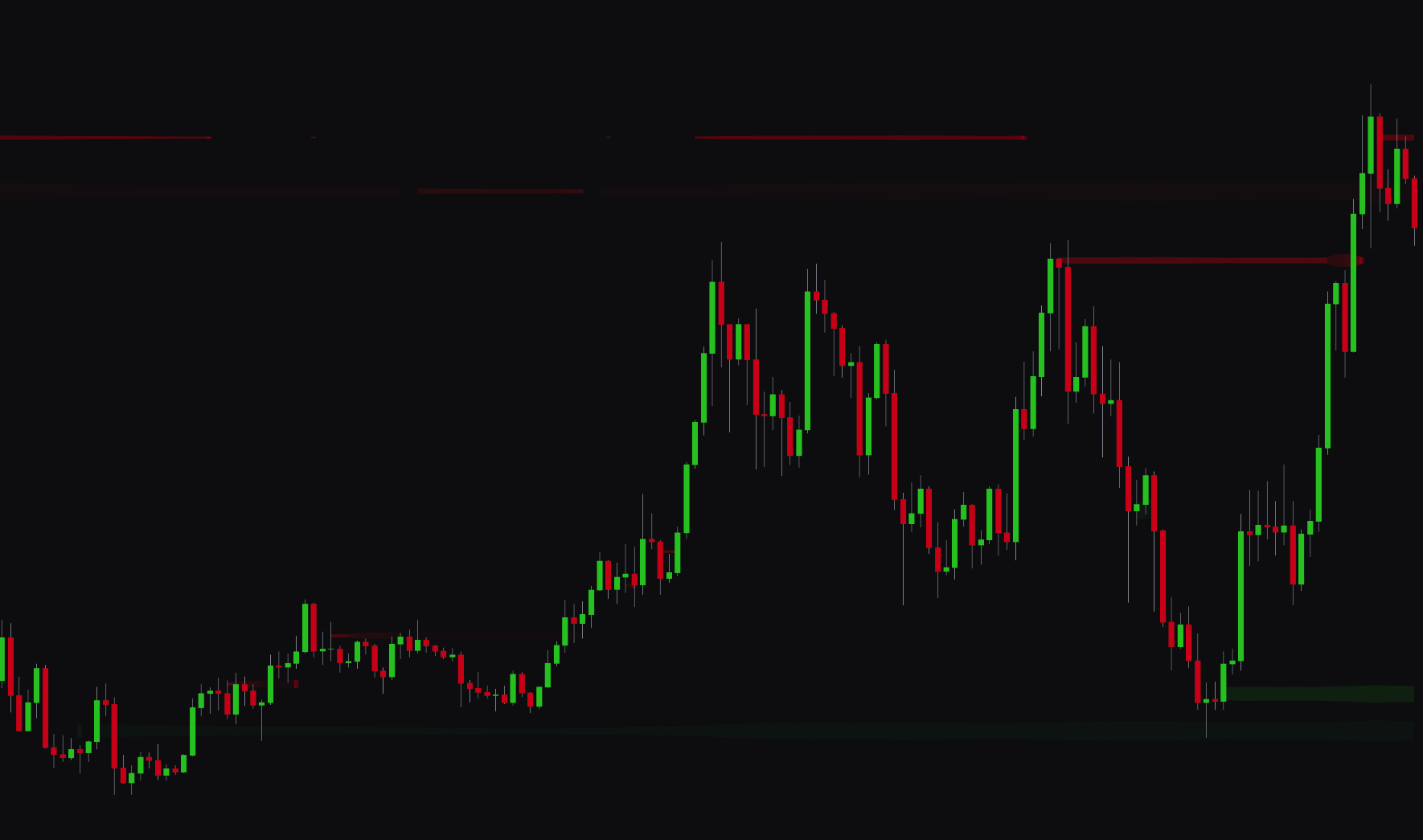
The support and resistance tool is powered by an AI-driven engine that automatically identifies and displays the levels that matter. Instead of cluttering your chart with endless lines, the algorithm uses a scoring system to analyze market dynamics and highlight the significant support and resistance zones.
The system continuously learns from price action. It reinforces levels that the market respects and decays those that lose relevance. This adaptive approach keeps you focused on the current, high-probability zones, so you can make more confident and informed trading decisions.
Settings#
You can set up the support and resistance detection to fit your analysis style, with options to adjust sensitivity, filtering, and the number of visible levels.
| Setting | Description |
|---|---|
| Support/Resistance | Enables the support and resistance detection and lets you set the Length (lookback period) for the algorithm. |
| Maximum Support/Resistance's | Limits the number of support and resistance zones shown on the chart, which helps you focus on the significant levels. |
| ATR Tolerance Multiplier | Sets the ATR-based tolerance for price interactions with the zones. A higher value creates wider zones, a lower value creates tighter ones. |
| Pivot Score Decay Rate | Controls how quickly the significance score of a level diminishes over time if price action does not reinforce it. A higher value causes weaker levels to disappear more quickly. |
| Quality Filter | Enables a quality filter to remove lower-probability zones. You can set the Quality Filter Level to control how strict the filtering is. |
| Adaptive Transparency | When enabled, the transparency of the zones adjusts based on their significance. More significant zones appear more solid and less transparent. |
| Show Text / Text Color | Controls the display, size, and color of the text labels that show the price of each level. |
Best Practices & Usage#
- Focus on high-scoring zones: the significant levels are those the indicator displays most prominently (less transparently when Adaptive Transparency is enabled). These are high-probability areas for potential reversals or continuations.
- Use as a confirmation tool: combine the support and resistance zones with other forms of analysis. A trade signal that occurs at one of these levels is a higher-confidence setup.
- Identify key battlegrounds: a cluster of support or resistance zones in a tight range shows a major area of market interest where buying or selling pressure is present.
- Filter for clarity: use the Quality Filter and Maximum Support/Resistance's settings to reduce noise and keep your chart focused on the important levels. For most trading styles, a quality filter of 3 or higher is a good start.
- Adjust sensitivity for your timeframe:
- Short-term traders may prefer a lower Length to see more immediate, reactive levels.
- Long-term traders should use a higher Length to focus on major, more established zones.